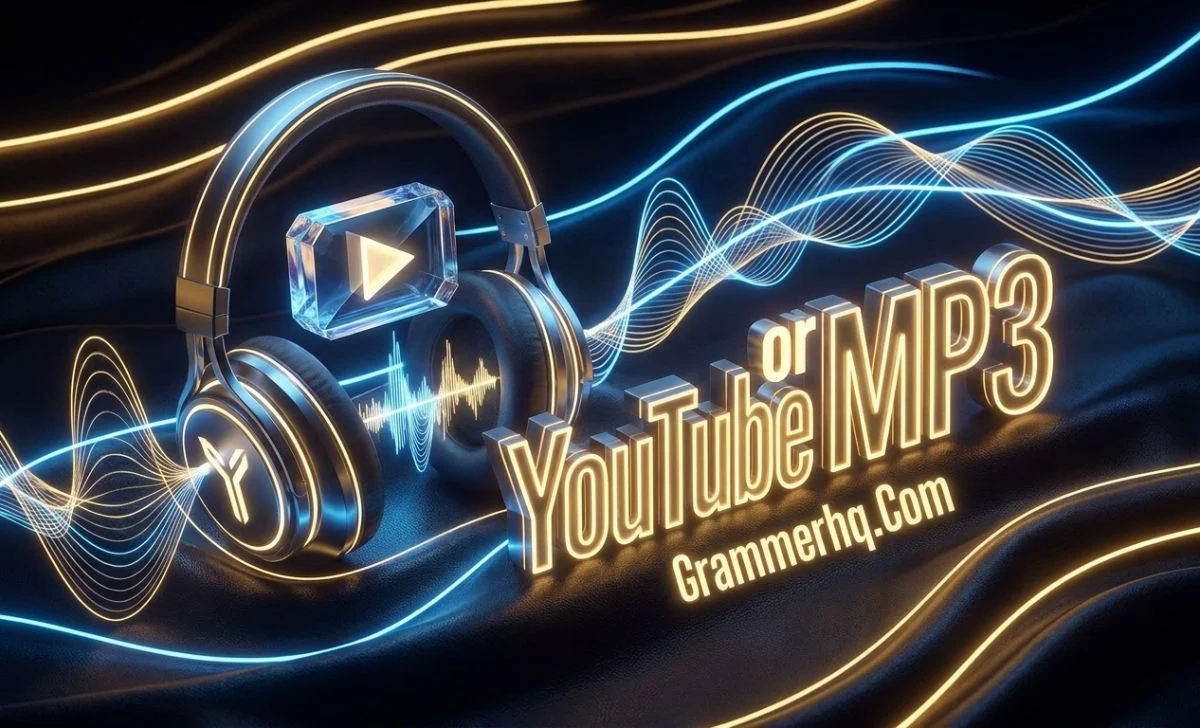
YouTube or MP3 can sound like a choice between two ways to listen to the same content. However, the two terms describe different things:
YouTube is a media platform, while MP3 is a digital audio file format. People mainly use YouTube to stream videos and audio content.
An MP3, by contrast, is a standalone audio file that you can store and play on a compatible device.Therefore, YouTube and MP3 are not technically two versions of the same thing.
Your best choice depends on whether you want online video and media content or a portable audio file for listening.
Quick Answer
YouTube is a platform for watching and listening to online content, while MP3 is an audio file format. YouTube can contain both video and audio, whereas an MP3 contains audio only.
As a result, YouTube works well for videos, music, tutorials, and live content. An MP3, meanwhile, works well when you need a small, portable audio file for offline playback.
YouTube or MP3: What Is the Difference?
The main difference is straightforward:
- YouTube is a media platform.
- MP3 is an audio file format.
For example, watching a pronunciation lesson on YouTube means using a platform to stream video and audio. By comparison, opening an MP3 pronunciation lesson saved on your computer means playing an audio file.
That makes a direct YouTube-versus-MP3 comparison slightly unusual. One is a service and platform; the other is a file format.
YouTube Is a Platform
YouTube lets people watch and listen to many types of content, including:
- Music videos
- Tutorials
- Podcasts
- Lectures
- Interviews
- News and commentary
- Live streams
- Educational videos
- Entertainment
Its main strength comes from the complete media experience. For instance, you can watch the video, hear the audio, read available captions, explore related content, and interact with the platform.
MP3 Is an Audio File Format
MP3 is a digital audio format that stores compressed audio in a relatively small file.
An MP3 does not contain the video portion of a music video or tutorial. Instead, it stores audio.
For example, a song saved as song.mp3 is an audio file. You can keep that file on a computer, phone, USB drive, or another compatible device. Once you have a legitimate copy, you can play it without opening YouTube.
Why Do People Compare YouTube and MP3?
The confusion usually comes from the way people consume audio content.
Someone might discover a song, podcast, speech, or lesson on YouTube and then want to hear the audio without watching the video.
That situation creates a practical question:
Should I listen through YouTube, or do I need an MP3 file?
Ultimately, the answer depends on what you want to do with the content.
YouTube vs MP3 at a Glance
| Feature | YouTube | MP3 |
|---|---|---|
| What it is | Media platform | Audio file format |
| Main content | Video and audio | Audio only |
| Visual content | Yes | No |
| Streaming | Yes | No, it is a file |
| Offline playback | Available through official features in supported situations | Yes, after you legitimately obtain and store the file |
| Storage | Platform/app-based downloads | Local file |
| File portability | More limited | Generally high |
| Best for | Videos, discovery, live content, visual learning | Audio-only listening |
One important detail deserves attention. YouTube offers official offline viewing in supported situations.
For example, YouTube Premium users can download supported videos for offline playback, while certain videos may also support downloads in selected countries and regions. These downloads are not ordinary MP3 files.
What Is YouTube?
YouTube is an online video and media platform where users can watch, listen to, upload, and discover content.
Although many people associate YouTube with music videos, the platform covers much more. A student can watch a mathematics lesson, a language learner can practice pronunciation, and someone else can follow a cooking tutorial or listen to a podcast.
Most importantly, YouTube combines video and audio. That combination makes it particularly useful when visual information adds value.
Why People Choose YouTube
YouTube works well when you want:
- Video and audio together
- Visual demonstrations
- Captions or subtitles
- Music videos
- Tutorials
- Live streams
- Content discovery
- Playlists and recommendations
- Educational explanations
For example, imagine that you are learning how to pronounce an English word. A YouTube lesson can show the speaker’s mouth movements while you hear the pronunciation. An audio-only file cannot provide that visual information.
What Is an MP3 File?
An MP3 is a digital audio file format commonly used to store and play music, speech, podcasts, lessons, and other audio.
The name comes from MPEG-1 Audio Layer III, which is commonly shortened to MP3.
One major advantage of MP3 comes from its compression. The format uses lossy compression to reduce the amount of storage needed for audio. Consequently, an MP3 file usually takes much less space than an uncompressed recording of similar length.
That smaller size makes MP3 practical for everyday listening.
Why Is MP3 Still Popular?
MP3 files remain useful because they are:
- Relatively small
- Easy to store
- Portable
- Widely supported
- Suitable for offline listening
- Convenient for organizing personal audio files
For example, someone going on a long journey might already have legally obtained audio lessons saved as MP3 files.
In that case, the person can listen to those lessons without continuously streaming them from an online platform.
YouTube Streaming vs MP3 Offline Listening
The main practical difference comes down to streaming versus having an audio file.
When you use YouTube, the platform delivers content to you for playback. However, YouTube also supports official offline features in supported situations.
An MP3 works differently. It is a file that you can store locally and play through compatible software or hardware.
Consider this example:
YouTube:
You open a pronunciation lesson and watch the teacher demonstrate how to say a word.
MP3:
You have a legitimate audio recording of the lesson saved on your phone, so you listen to it while walking.
Both options can support learning. However, they serve different purposes.
Which Has Better Audio Quality: YouTube or MP3?
There is no simple rule that makes one option better in every situation.
Audio quality depends on several factors. These include the original recording, encoding, bitrate, and the way the service or file delivers the audio.
MP3 uses lossy compression, which removes some audio information to reduce file size. A higher bitrate can generally preserve more detail than a lower bitrate. However, a higher bitrate cannot restore quality that the original source already lost.
For example, suppose you convert a poor-quality recording into a very large MP3 file. The larger file does not magically turn that recording into high-quality audio.
The source still matters.
What Does Bitrate Mean?
Bitrate describes how much data represents audio over a period of time. People commonly measure it in kilobits per second (kbps).
In general:
- Lower bitrate → smaller file
- Higher bitrate → larger file and potentially better retained audio quality
Even so, bitrate represents only one part of audio quality. The original source and encoding process also influence the final result.
Which Uses More Storage and Data?
The answer depends on how you use each option.
YouTube and Data Usage
Streaming a YouTube video usually consumes more data than listening to an audio-only file. The reason is simple: video sends visual information as well as audio.
Video quality also affects data use. Higher-quality video generally requires more data.
MP3 and Storage
An MP3 contains audio only, so its file size is generally much smaller than a comparable video file.
As a result, MP3 can be convenient when storage space or mobile data is limited.
For example, someone with a limited mobile data plan may prefer an audio file for repeated listening to a language lesson. Of course, the person should obtain that audio through a legitimate source.
YouTube Downloads vs MP3 Files
This is one of the areas where people often misunderstand the difference.
A YouTube offline download is not automatically an MP3 file.
According to YouTube’s official Help documentation, the YouTube app does not provide a general way to download audio, music, or MP3 files. Instead, its official download features support offline playback of eligible content.
YouTube also explains that downloaded videos use its supported playback system rather than functioning as ordinary MP3 files.
YouTube Premium also provides official offline downloads for supported content. However, those downloads remain part of YouTube’s offline playback system.
Therefore:
YouTube offline download ≠ ordinary MP3 file
That distinction matters because an offline copy inside a platform does not necessarily give you a separate, transferable audio file.
Can You Download MP3 Files Directly From YouTube?
Not through the standard YouTube app as a standalone MP3 download.
YouTube’s official Help documentation specifically explains that users cannot download audio, music, or MP3 files from the YouTube app.
There is an important distinction for content you own. YouTube allows creators to download videos that they have uploaded. However, an official download of your YouTube video does not automatically become an MP3 file.
This point also differs from the question of copyright law. Whether someone may copy or convert particular content can depend on copyright ownership, permission, licensing, applicable law, and YouTube’s Terms.
Is Converting YouTube Videos to MP3 Legal?
There is no universal yes-or-no answer for every situation.
Several questions matter:
- Who owns the content?
- Do you have permission to use it?
- Does the content carry a license that allows downloading or reuse?
- Does the service authorize the download?
- What does applicable law allow?
YouTube’s Terms of Service restrict downloading, reproducing, distributing, or otherwise using content unless the service authorizes it, the relevant rights holder gives permission, or applicable law allows it.
For that reason, saying “YouTube-to-MP3 conversion is always legal” would be inaccurate.
At the same time, saying “it is always illegal” would also be too broad.
Safer Legal Options
Depending on the situation, safer options include:
- Audio you created yourself
- Content you have permission to download or reuse
- Audio offered under an appropriate license
- Official YouTube offline features
- Audio provided through YouTube’s authorized resources
Most importantly, changing a file’s format does not change ownership of the underlying content.
YouTube or MP3: Which One Should You Choose?
The better option depends on your purpose.
| If you want… | Better choice |
|---|---|
| A music video | YouTube |
| A tutorial with visual instructions | YouTube |
| A live performance | YouTube |
| Visual learning | YouTube |
| Audio-only listening | MP3 |
| A local audio file | MP3 |
| A small audio file | MP3 |
| Offline playback of a legitimately obtained audio file | MP3 |
For example, a student learning English pronunciation may prefer YouTube when watching mouth movements and demonstrations. Later, the same student might use an MP3 audio lesson for repeated listening without the video.
Neither option wins in every situation. Instead, choose the one that fits your actual need.
YouTube or MP3 for Music?
For music, the right choice depends on the experience you want.
Choose YouTube When You Want:
- Music videos
- Live performances
- Lyrics or visual content
- Music discovery
- Artist channels
- Related recommendations
Choose MP3 When You Want:
- Audio-only playback
- A local audio file
- Offline listening
- Easy file organization
- Broad compatibility with supported audio players
For instance, watching a band’s live performance makes sense on YouTube because the visuals are part of the experience.
On the other hand, listening to a legitimately obtained audio recording while exercising may make an MP3 more convenient.
YouTube or MP3 for Learning?
Both options can support education, but they work differently.
YouTube suits visual learning particularly well. A teacher can demonstrate a process, show a diagram, use captions, or explain pronunciation while appearing on screen.
MP3 can support repeated listening. For example, language learners can listen to vocabulary, pronunciation, dialogues, or lessons while walking or traveling.
Imagine an English learner studying the word “camouflage.”
On YouTube, the learner might watch a teacher explain its spelling and pronunciation.
With an audio lesson, the learner could hear the pronunciation repeatedly while practicing.
Therefore, the better option depends on whether the lesson benefits more from seeing, listening, or both.
Common Misconceptions About YouTube and MP3
“YouTube is an audio format.”
No. YouTube is a platform. MP3 is an audio format.
“An MP3 is a YouTube download.”
Not necessarily. An MP3 can come from many legitimate sources. It is not inherently a YouTube file.
“A YouTube offline download means I own an MP3.”
No. Official YouTube offline downloads use YouTube’s supported playback system. They do not automatically become ordinary MP3 files.
“Converting something to MP3 makes it legal.”
No. Changing the format does not change copyright ownership or the permissions attached to the original content.
“A higher MP3 bitrate always means better audio.”
Not always. Source quality and encoding also matter. Increasing the bitrate cannot restore information that the original recording already lost.
YouTube vs MP3 vs MP4
These three terms often appear together, but they describe different things.
- YouTube: A media platform and service.
- MP3: A compressed digital audio format.
- MP4: A multimedia container format commonly used for video and audio.
For example, a YouTube video may contain both video and audio. An MP3 contains audio only. Meanwhile, an MP4 file can contain video, audio, and other media components.
So, if someone asks, “Is YouTube an MP3 or MP4?”, the most accurate answer is that YouTube itself is neither. YouTube is the platform, while MP3 and MP4 refer to digital media formats or containers.
FAQs
Is YouTube an MP3?
No. YouTube is a media platform, while MP3 is a digital audio file format.
Is MP3 better than YouTube?
Not generally. MP3 works better when you need an audio-only file, while YouTube works better when you want video, streaming, discovery, or visual content.
What is the main difference between YouTube and MP3?
YouTube is a platform used to access media content. MP3 is a format used to store and play digital audio.
Can YouTube play MP3 files?
YouTube primarily handles content hosted and delivered through its platform. An MP3 is a separate type of audio file, so it should not be confused with YouTube’s own offline content system.
Can you download MP3 directly from YouTube?
The standard YouTube app does not provide a general feature for downloading audio or MP3 files. Instead, official YouTube downloads support eligible offline playback.
Is YouTube-to-MP3 conversion legal?
It depends on the content, your rights or permission, applicable law, licensing, and YouTube’s Terms. Changing content into an MP3 does not automatically give you permission to use it.
Is MP3 audio or video?
MP3 is an audio format. It does not contain the video portion of a video file.
Does MP3 work without internet?
Yes. Once you legitimately obtain an MP3 file and store it on a compatible device, you can generally play it without an internet connection.
Is YouTube offline download the same as MP3?
No. YouTube’s official offline downloads use its supported playback system. They are not ordinary MP3 files.
Conclusion
YouTube or MP3 is not really a choice between two competing file formats. YouTube is a media platform, while MP3 is a digital audio format.
Choose YouTube when you want video, streaming, discovery, live content, or visual learning. Choose an MP3 when you need a portable audio file for offline listening and have obtained that file legitimately.
The easiest way to remember the difference is:
YouTube is where you access media; MP3 is a format used to store audio.
Read More Blogs